2026-09-06 · Shawnie Alton
Security Camera Maintenance: How to Keep Your System Working
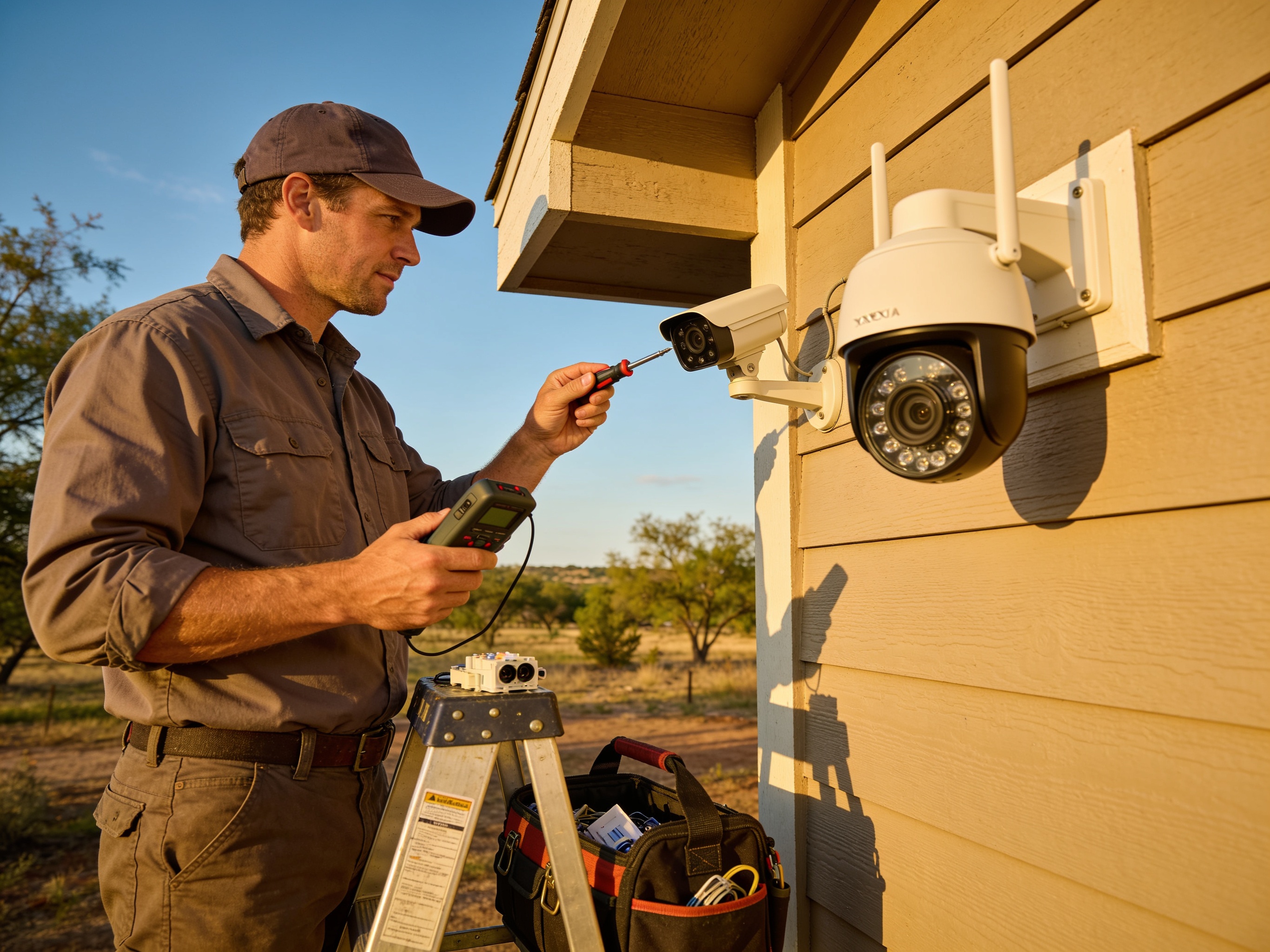
Performing quarterly visual inspections and cleaning extends the reliable operation of most security camera systems in Houston by addressing humidity and dust buildup before problems appear. Systems installed at homes in neighborhoods like the Heights or near the Ship Channel face constant moisture from high humidity and occasional heavy rains that can seep into connections or cloud lenses. Owners who check mounts, wipe housings, and test feeds every three months notice fewer outages during storm season. SCT operates from 2644 Eva Pearl Street, Houston, TX with hours Monday through Friday 8am to 6pm and Saturday 9am to 2pm for those needing on-site support.
Routine Visual Inspections
Start every maintenance cycle with a full walk-around of each camera location. Look for loose brackets caused by wind or vibration from nearby traffic on major Houston corridors. Check that housings remain sealed and that no spider webs or pollen have collected on the lens, which reduces image clarity within weeks during spring and fall. Verify that indicator lights still function and that the live view on the monitor or app matches what the camera should capture. In older Houston homes with brick or stucco exteriors, note any shifting that could pull wiring taut over time. Document each camera's condition with a quick phone photo so changes become obvious on the next visit. These checks take under ten minutes per camera yet catch the majority of issues before they require Security Camera Repair.
Cleaning Steps for Houston Conditions
Houston's combination of humidity, salt air from the Gulf, and tree pollen demands more frequent lens and housing cleaning than drier climates. Use a microfiber cloth slightly dampened with distilled water to remove film without scratching the lens surface. Avoid household cleaners that can etch plastic or glass over repeated use. For exterior cameras mounted under eaves, clear debris from weep holes so condensation can escape rather than pool inside the housing. Wipe mounting arms and cable entry points to prevent corrosion at the connectors, a frequent failure point after summer storms. Schedule this cleaning at the start of each season so pollen in March and mold growth after September rains do not compound. Consistent cleaning preserves sharp images without needing immediate Security Camera Upgrades.
Checking Wiring and Connections
Examine cable runs from each camera back to the recorder or network switch for signs of wear. In Houston homes built before 1990, original wiring often runs through attics where summer attic temperatures exceed 130 degrees and can degrade insulation. Gently tug on connectors to confirm they remain seated and look for green corrosion on metal contacts. Test PoE injectors or power supplies by disconnecting and reconnecting them while watching the live feed for interruptions. If a camera drops offline during this test, label the cable run and schedule a follow-up. Proper cable management also prevents water from traveling along the line into the recorder during heavy rains common along the Gulf Coast. These steps complement the guidance in Can Security Cameras Work Without WiFi? when evaluating wired versus wireless reliability.
Weather Protection Measures
Tropical storm season brings high winds and driving rain that test every exterior mount. Ensure each camera housing carries an appropriate IP rating for Houston conditions and that gaskets remain flexible rather than cracked from UV exposure. Add small drip loops in cabling so water sheds away from entry points instead of following the wire inside. For properties near bayous or in flood-prone zones such as parts of southeast Houston, elevate recorders and NVR units above potential water levels. After any named storm, perform an extra inspection within 48 hours to catch moisture intrusion before it damages internal components. These targeted protections reduce the frequency of full system replacements discussed in Security Camera Repair vs Replacement: Which Is Better?.
Professional Maintenance Schedule
While owners can handle basic cleaning and visual checks, annual professional service catches calibration drift and firmware issues that affect long-term performance. Technicians can pressure-test seals, update software across the network, and confirm storage capacity matches current camera counts. In Houston's environment, this yearly visit typically occurs in late fall before winter humidity spikes. Homeowners who combine self-checks with one professional call per year report fewer service interruptions and clearer footage when needed. Contact the team at SCT during listed business hours to arrange a maintenance visit tailored to your specific installation.