2026-09-06 · Shawnie Alton
Security Camera Troubleshooting: Common Problems & Solutions
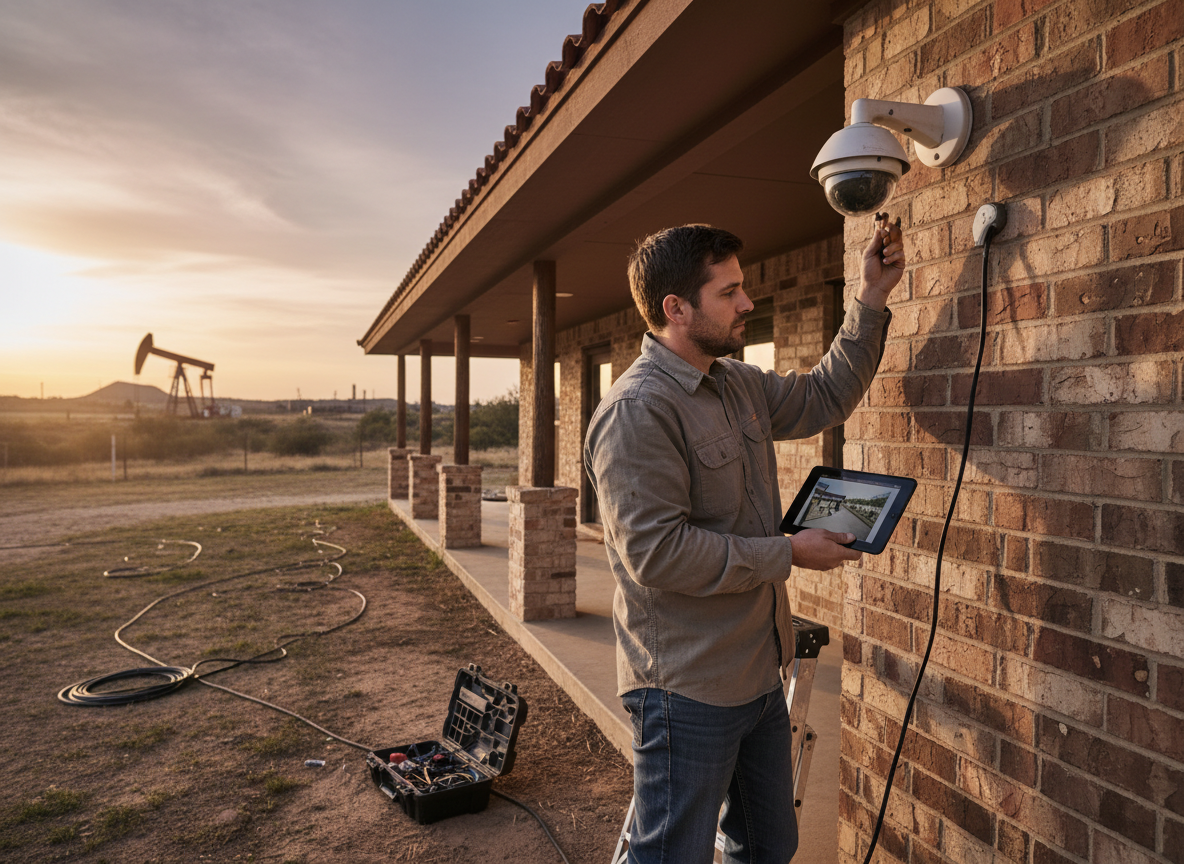
Security camera troubleshooting in Houston often starts with checking power connections and network signals before replacing hardware. Many issues stem from the area's high humidity, sudden thunderstorms, and extreme summer heat that stress outdoor components faster than in drier climates.
Power Supply Issues
Power interruptions rank among the top calls for security camera repair in Houston. Start by verifying the outlet voltage with a multimeter—readings below 110V point to wiring problems common in older neighborhoods like the Heights or Montrose. Next, inspect the camera's power supply brick for swelling or heat damage caused by 100-plus-degree attic temperatures. Swap in a known-good 12V or 24V adapter to test; if the camera powers on, the original unit has failed. For PoE systems, confirm the switch port delivers the correct wattage and that cable runs stay under 328 feet to avoid voltage drop. Persistent outages after these checks usually require tracing the run back to the NVR or router, where loose RJ45 terminations frequently occur.
Connectivity Problems
Wireless drops and IP conflicts appear regularly during Houston's rainy season when moisture enters outdoor housings. Begin troubleshooting by pinging the camera's static IP from a laptop on the same VLAN; no response means check the router's DHCP table for duplicate addresses. For wireless security camera installation setups, reposition antennas away from metal HVAC units that reflect 2.4 GHz signals. If the camera connects but streams lag, run a speed test at the router—anything under 5 Mbps upload often fails to support multiple 1080p feeds. Reboot the NVR first, then the switch, then individual cameras to clear ARP cache issues. Persistent problems after these steps point to damaged Cat6 runs from rodents or lawn equipment, which Security Camera Networking & Cabling technicians can locate with a toner.
Image Quality Degradation
Blurry or washed-out footage in Texas usually traces to lens condensation or IR glare from reflective surfaces. Clean the dome with isopropyl and a microfiber cloth, then check the IR cut filter operation by covering the lens—night mode should engage within two seconds. Adjust the camera's WDR settings upward during bright afternoons when sunlight reflects off concrete driveways common in Sugar Land subdivisions. If horizontal lines appear, the power supply is introducing interference; replace it with a filtered unit rated for 2A continuous. For cameras mounted near pools or sprinklers, mineral buildup on the lens requires quarterly cleaning with a mild vinegar solution to maintain clarity.
Weather and Environmental Factors
Houston's frequent storms and high humidity accelerate corrosion on exposed connectors. Inspect gasket seals on every outdoor housing after heavy rain; water intrusion shows as fogged lenses or shorted boards. Elevate junction boxes at least 18 inches above grade in flood-prone zones like parts of Katy to prevent ground moisture damage. During summer, shade south-facing cameras with small eaves to reduce internal temperatures that shorten sensor life. After hurricanes, scan for shifted mounts and re-aim using the original azimuth marks. These steps prevent most repeat service visits when performed seasonally.
Firmware and Software Glitches
Outdated firmware causes random reboots and false motion alerts in many Houston systems. Log into the NVR web interface and compare the current build against the manufacturer's release notes—updates often fix ONVIF compatibility after router firmware changes. Create a backup of camera configurations before flashing to avoid losing custom zones. If the interface becomes unresponsive, perform a 30-second hard reset on the NVR while the cameras remain powered. Schedule automatic firmware checks through the Security Camera Maintenance page to catch issues before they affect recording. For readers wondering about offline operation, see Can Security Cameras Work Without WiFi? for network-independent options.